
MAIL ( string )
' does not use authentication,
MAIL (message, recipient, user_name,
pass_word) ' takes 4 strings and uses
authorization
In the first form MAIL will send an email to the address specified
in the Controls page. This email is limited to an address on your mail
server/ISP, as it is piggybacking on the authentication of your internet
connection.
So you can send an email to yourself.
To use email authentication use the second form, in this case it uses the SMTP address of the controls page, and logs in using the user_name and pass_word. The email message will be sent to recipient . recipient requires the full address like somebody@somewhere.com. user_name should NOT include domain.com as that is set in the Controls page smtp server.
In all cases email is limited to 1 email sent every 10 seconds.
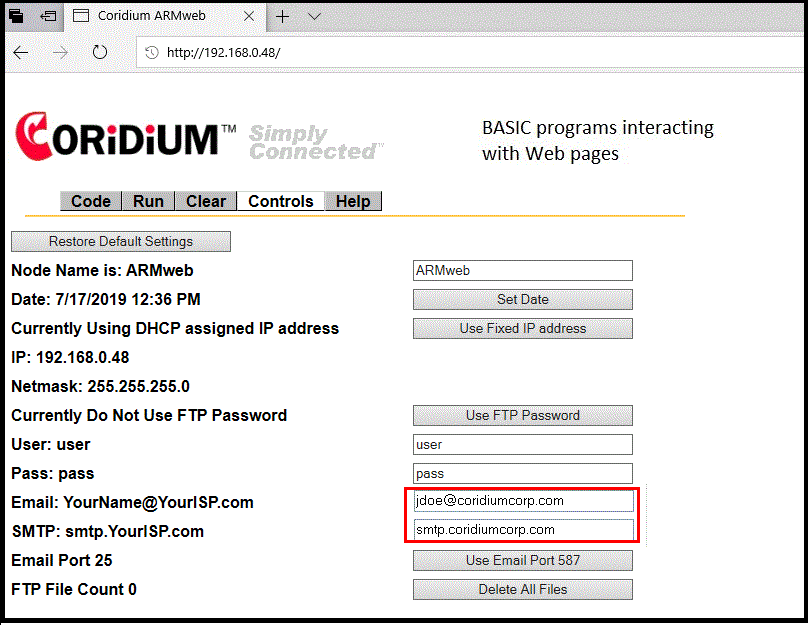
Reset the node to apply the changes.
The smtp server used must service
the email address chosen.
The maximum size of the MessageList which will be contained in the email Body is 255 bytes.