
Web Services
webBASIC
may be accessed from any web browser by going to http://ARMweb or if the node's IP is known http://192.168.xx.yy.
From here users may enter
code a line at a time, download basic files or access all features of
ARMweb.
Building a web page
This is not the venue to teach web page design, but a simple example will be presented here. Various ways can be used to build a web page from FrontPage, DreamWeaver, Mozilla-Composer, to your favorite text editor. This page is built with 2 files, the main page and an image file (banner1.gif). This is the sample source built as displayed in Mozilla Composer.
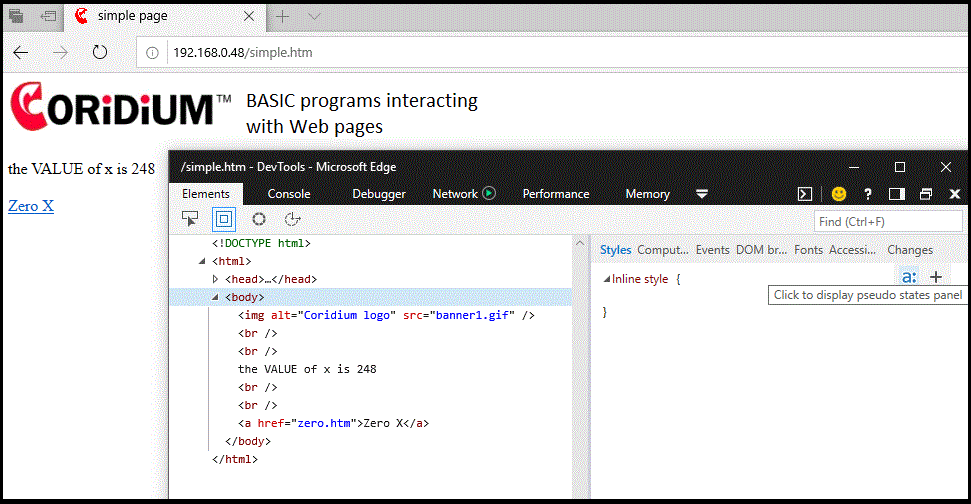
Once you've built a page, use the FTP Services to upload it. Then you will be
able to
view the page as the main page for the ARMweb-
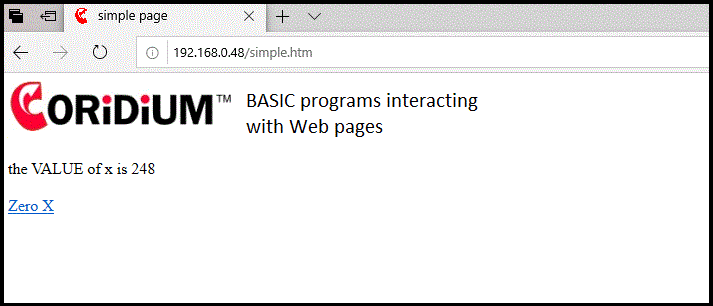
webBASIC first scans the ftp space for a file named in the browser request (simple.htm in this case). If not found there it will attempt to find it in the file system on the SD card.